Create with AI Agent
AI Color Grading
Upload a source and a reference image. Describe the look, then let the Agent match the color and bring the result to AI Canvas.
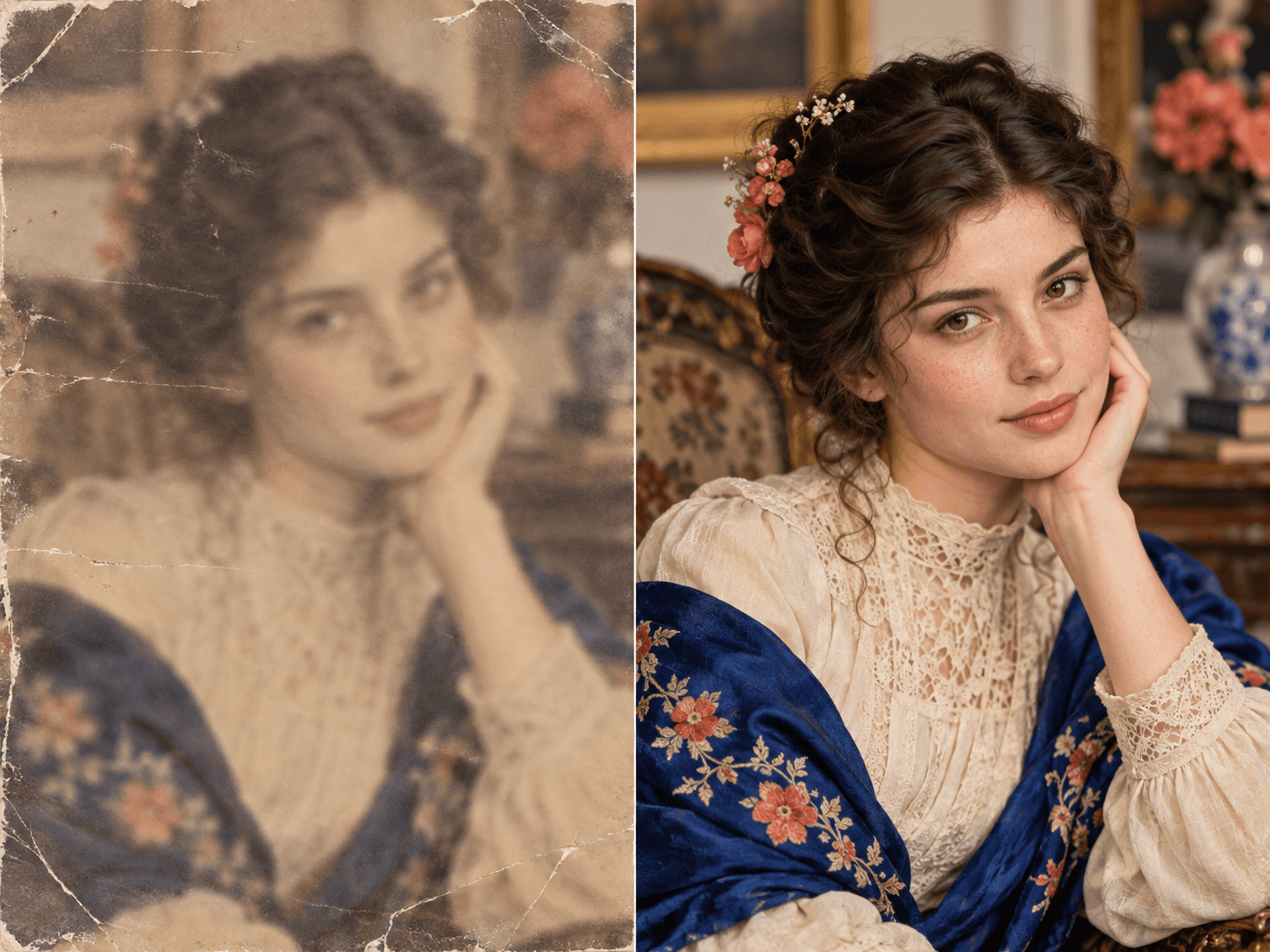
Source and reference stay togetherGlobal color and tone matchingResult returns to AI Canvas
Describe the look, then compare it on canvas
Open AI Canvas01
Give the Agent two images
Upload the source image first and the reference image second so the intended roles stay clear.
02
Match the visual language
The browser based color transfer adjusts global tone and color while keeping the source composition.
03
Keep the original
The graded result is added beside the source and reference for review and export.
Powered by leading AI models