AI Agent-powered image and video creation
Create and edit images and video with an AI Agent on one canvas.
Start with a prompt, reference, or guided scene, then keep refining, arranging, and exporting the result. 0-Credit browser models are available for background removal and upscaling; optional cloud models use the current quote.
Recipes0-Credit image tools availableImages and video togetherAgent-orchestrated tools

From idea to result on one canvas
The Agent understands, uses the right tools, and returns results to the canvas.
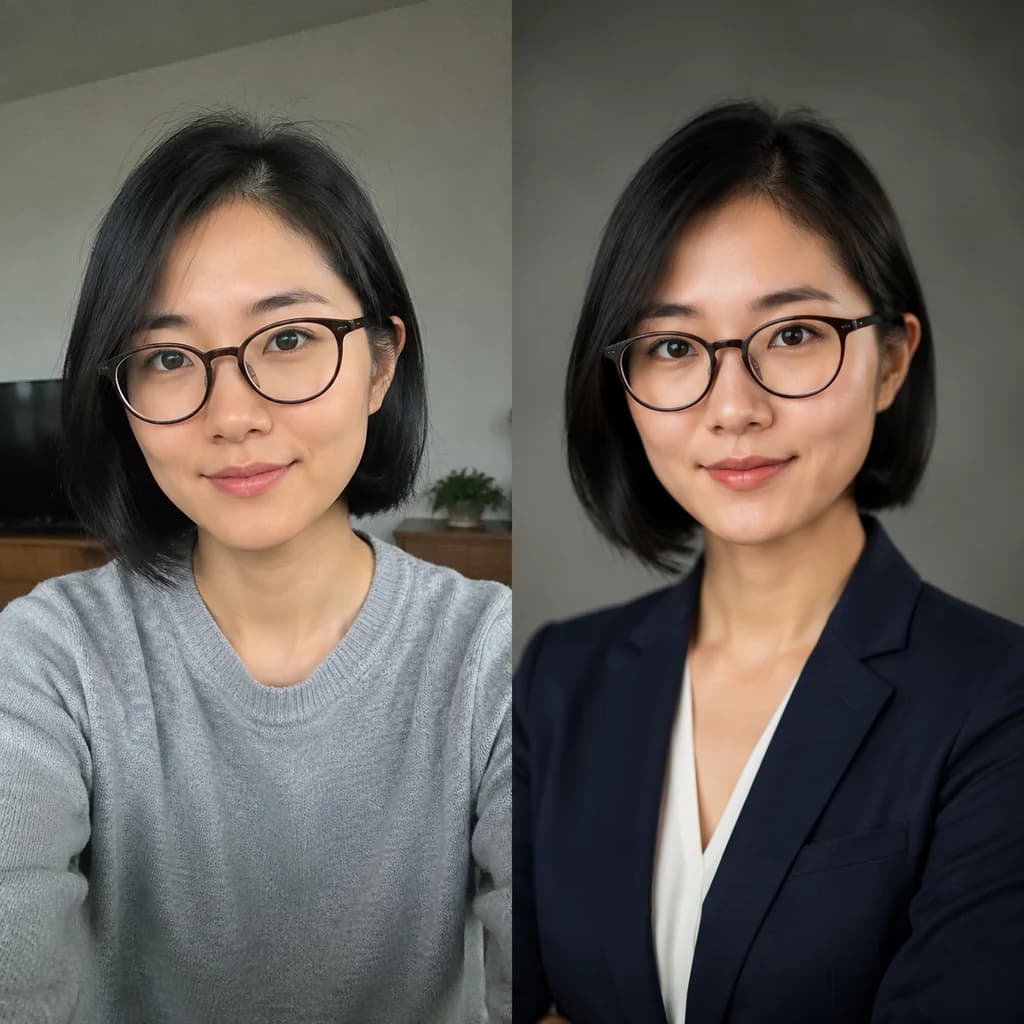
Built forID and passport photosCareer profilesWedding conceptsSocial avatars
Pick a scene. Start creating.
Pick a few options. The Agent takes it from there and puts the result on AI Canvas.

Product Image Set
Turn one source photo into a white listing image, a lifestyle scene and a social crop.
View recipe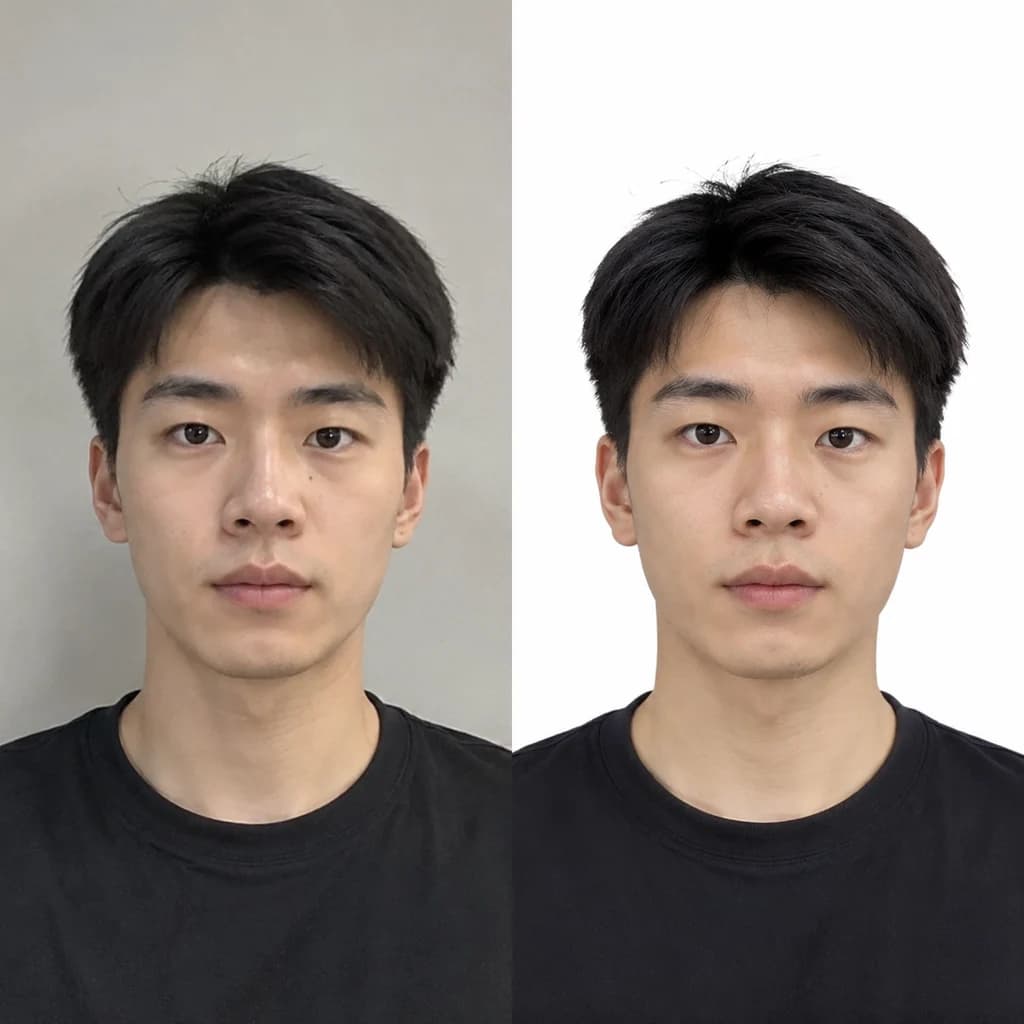
Say what you want. The Agent gets to work.
Generate, edit, and arrange it in one conversation.
01
Describe the creative goal
Start with a conversation or a compact brief from a scene page.
02
Add assets and references
Give the Agent people, images, or existing canvas content as context.
03
The Agent uses creative tools
It chooses image, video, or editing capabilities for the task.
04
Keep iterating on canvas
Preserve versions, refine through chat, and export the result.

From 0-Credit image tools to complete image and video creation
Use a 0-Credit browser model for background removal or upscaling, then let the Agent orchestrate richer generation and editing on canvas.
Background cleanup
Remove clutter or switch to solid colors.
Image upscaling
Improve older selfies or compressed uploads.
AI retouching
Clean up light and detail without over-editing.
Style presets
Pick business, studio, outdoor, or wedding moods.
Reusable person
Reuse saved person references for closer results.
Ready-to-download files
Keep outputs organized and easy to download.
Built for real photo needs
AiPix focuses on identity, usable backgrounds, clear status, and simple credits.
Clear references can help preserve identity and facial detail.
Use clean or styled backgrounds.
Separate flows for different needs.
Connect results, credits, and downloads.